
Traffic And Footfall Data: Count Vehicles, Shoppers And Queues From Your Cameras
Counts you can plan with, from the cameras you already have: vehicles by class and direction, people in and out, queues at the till and audiences in front of screens. Processed on your own premises.
Roads and gates · Stores and malls · Digital screens
What You Can Count
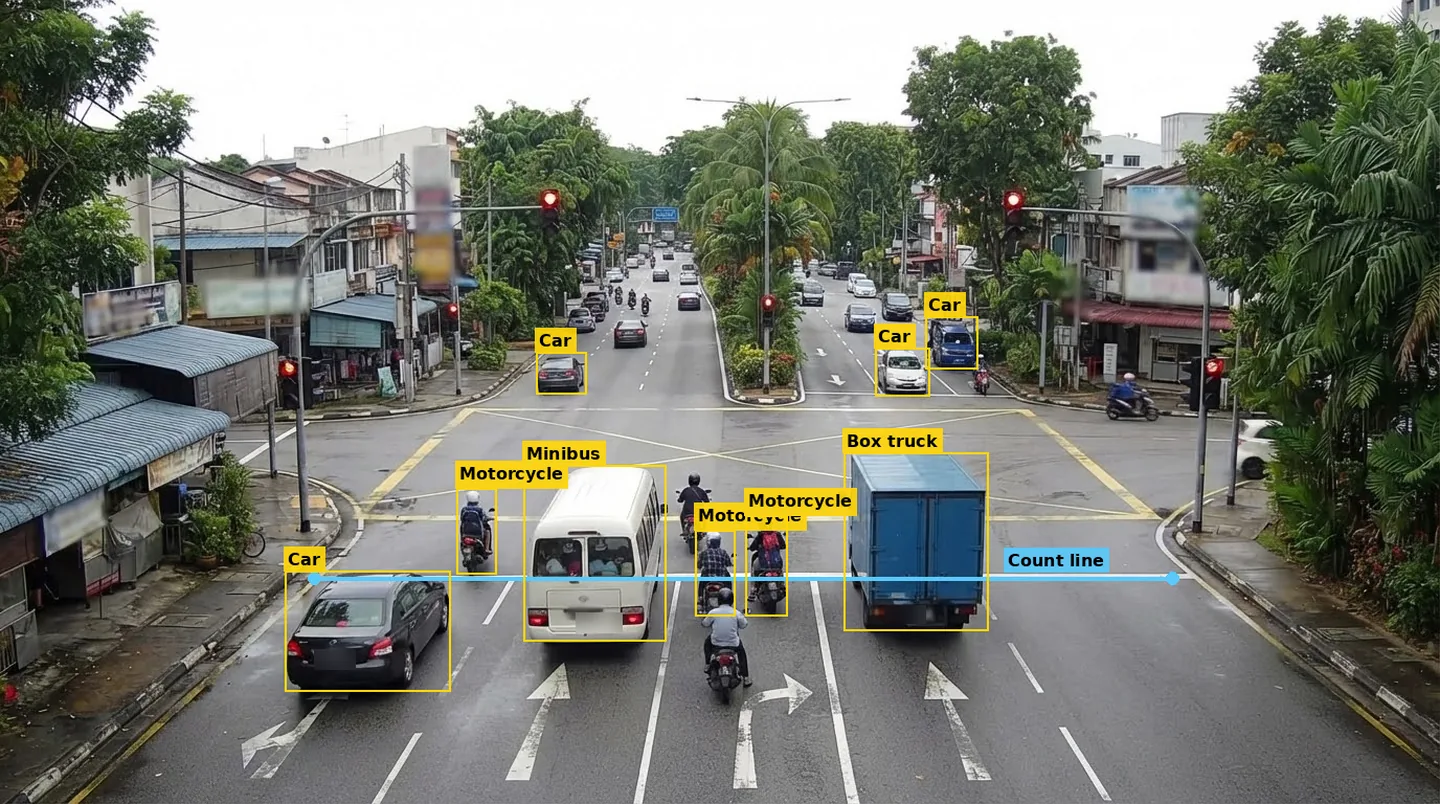
Roads, Junctions And Gates
A vehicle counting system for traffic planning and gate logs: vehicles by class and direction, congestion and speed. Also as traffic analytics software on your servers.
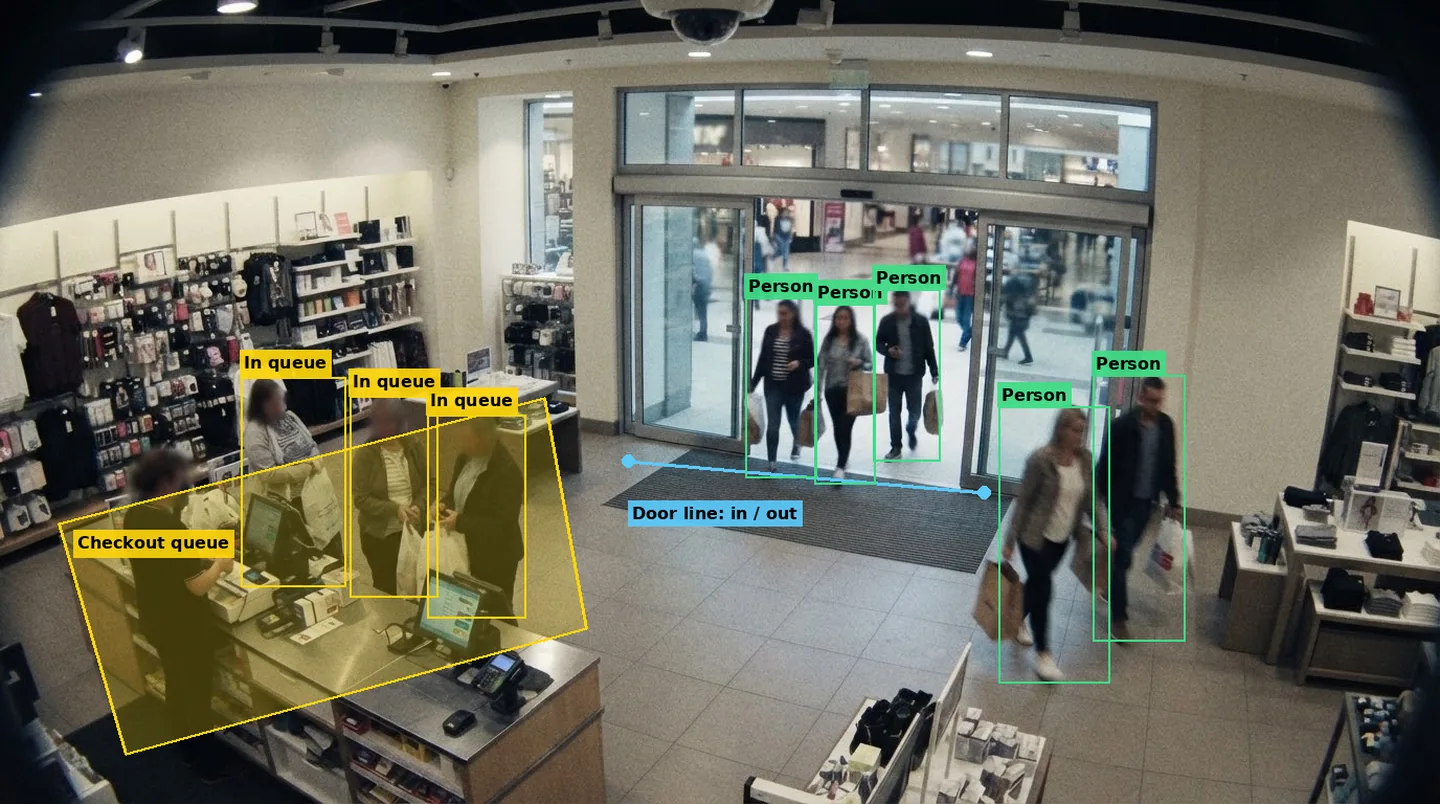
See Traffic MonitorStores And Malls
Footfall in and out, time spent in each zone and queues at the till, as people counting software or on an AI Box in the store.
See Smart Retail CounterDigital Screens
Opportunities to see, impressions and engaged views in front of a screen, for DOOH audience measurement.
See DOOH Audience MeterData You Keep
Counting runs on an ARSA AI Box at the site or on your own servers. The counts go to your dashboard and can be exported, and the video stays on your network. Cameras need to meet our camera requirements; prices are on the pricing page.
See how this works for transportation, retail and warehousing and logistics.
FAQ
Questions About Traffic And Footfall Data
Do I need special counting cameras?
No. ARSA counts from standard IP cameras that meet our camera requirements. Mounting height and angle matter more than the brand.
Are shoppers identified?
No. People counting and audience measurement count people without identifying them. Repeat-visitor features are opt-in and off by default.
Can I export the counts?
Yes. Reports export as CSV, Excel and PDF, and the platform has an API for your own systems.
How do I check it works on my cameras?
Send three short clips through the free AI assessment. The report compares the model's count with a manual count of the same clip.
See The Counts On Your Own Footage
Send three one-minute clips and get back an annotated clip and a report comparing the counts with a manual count.