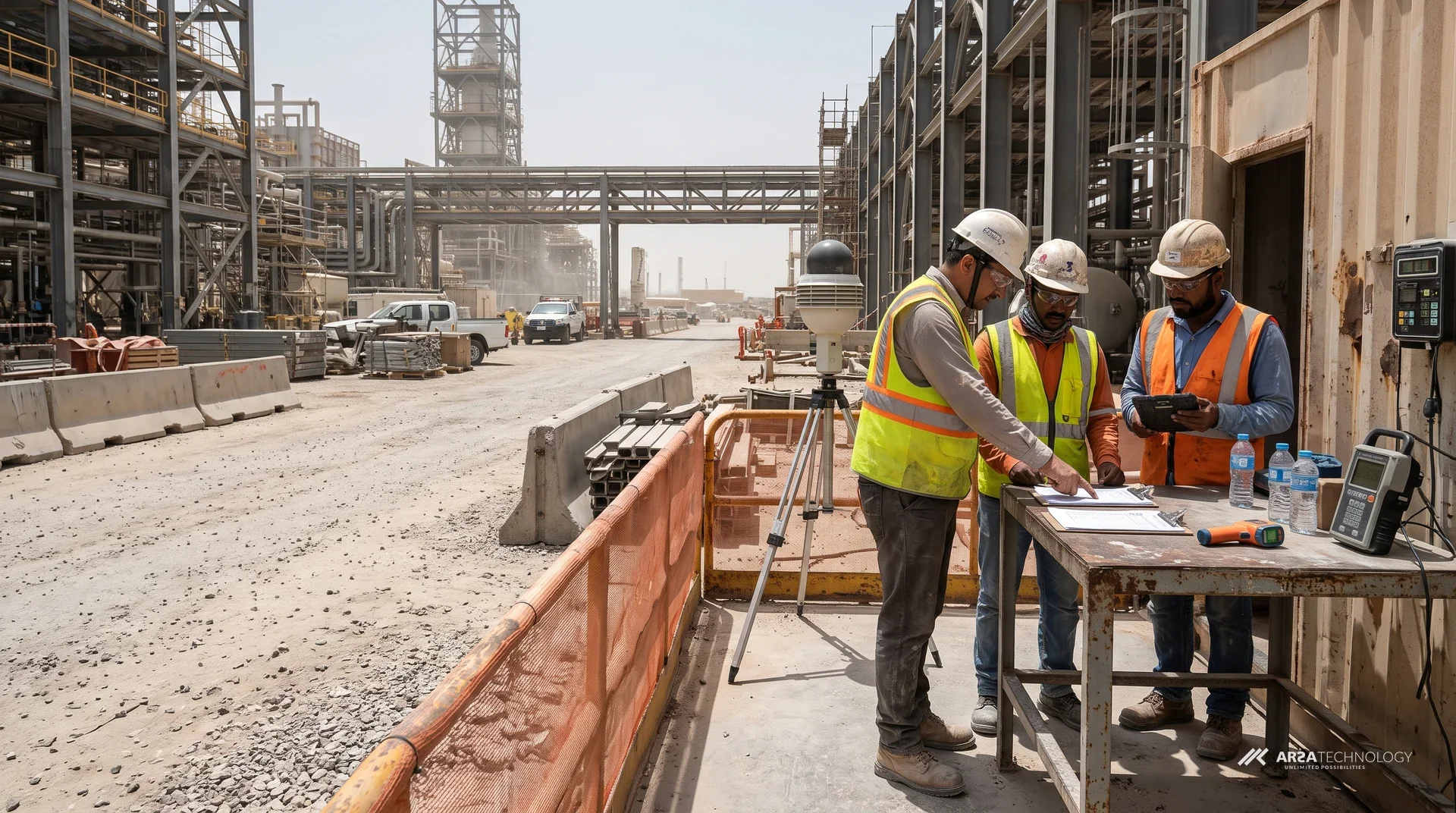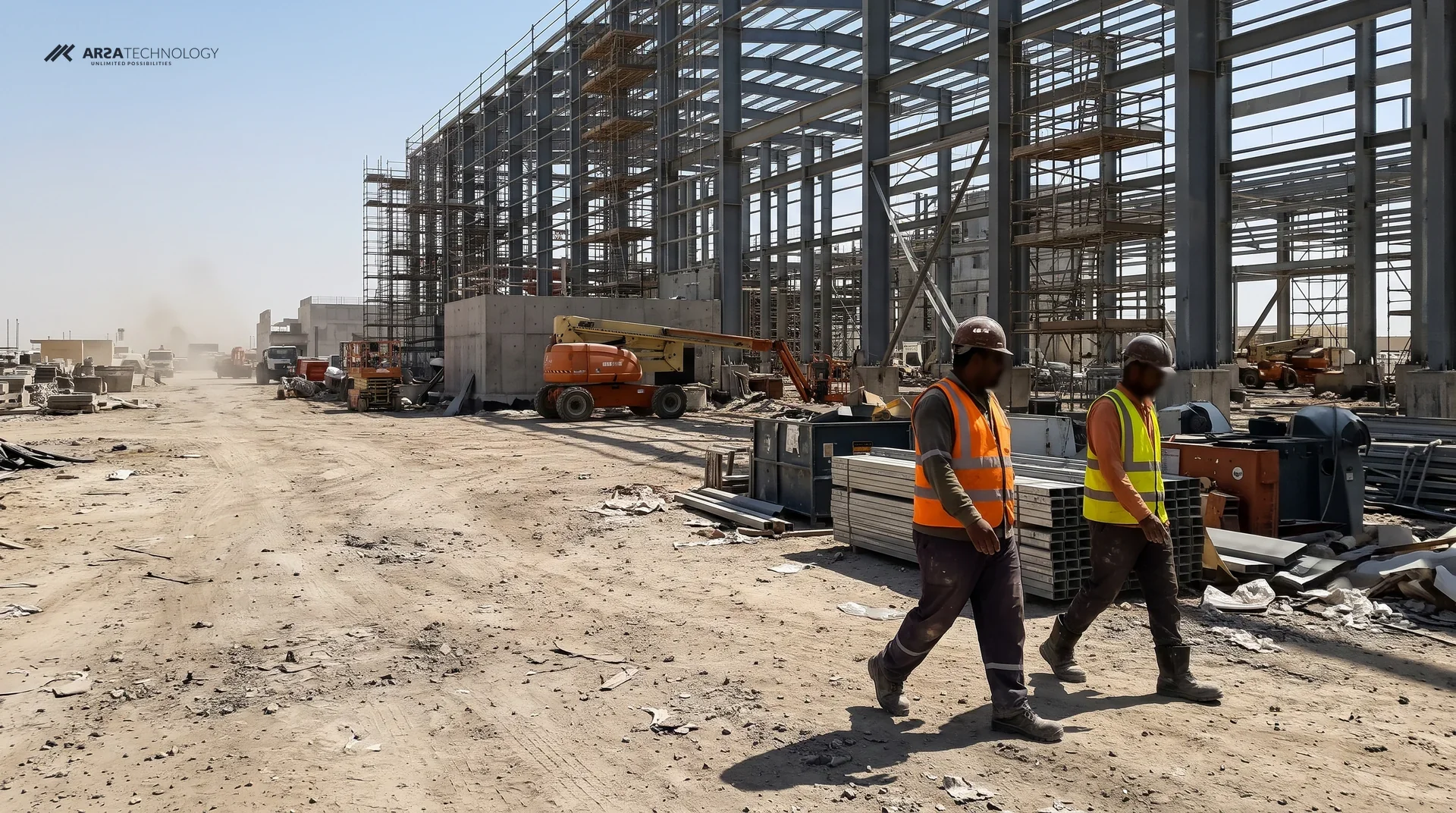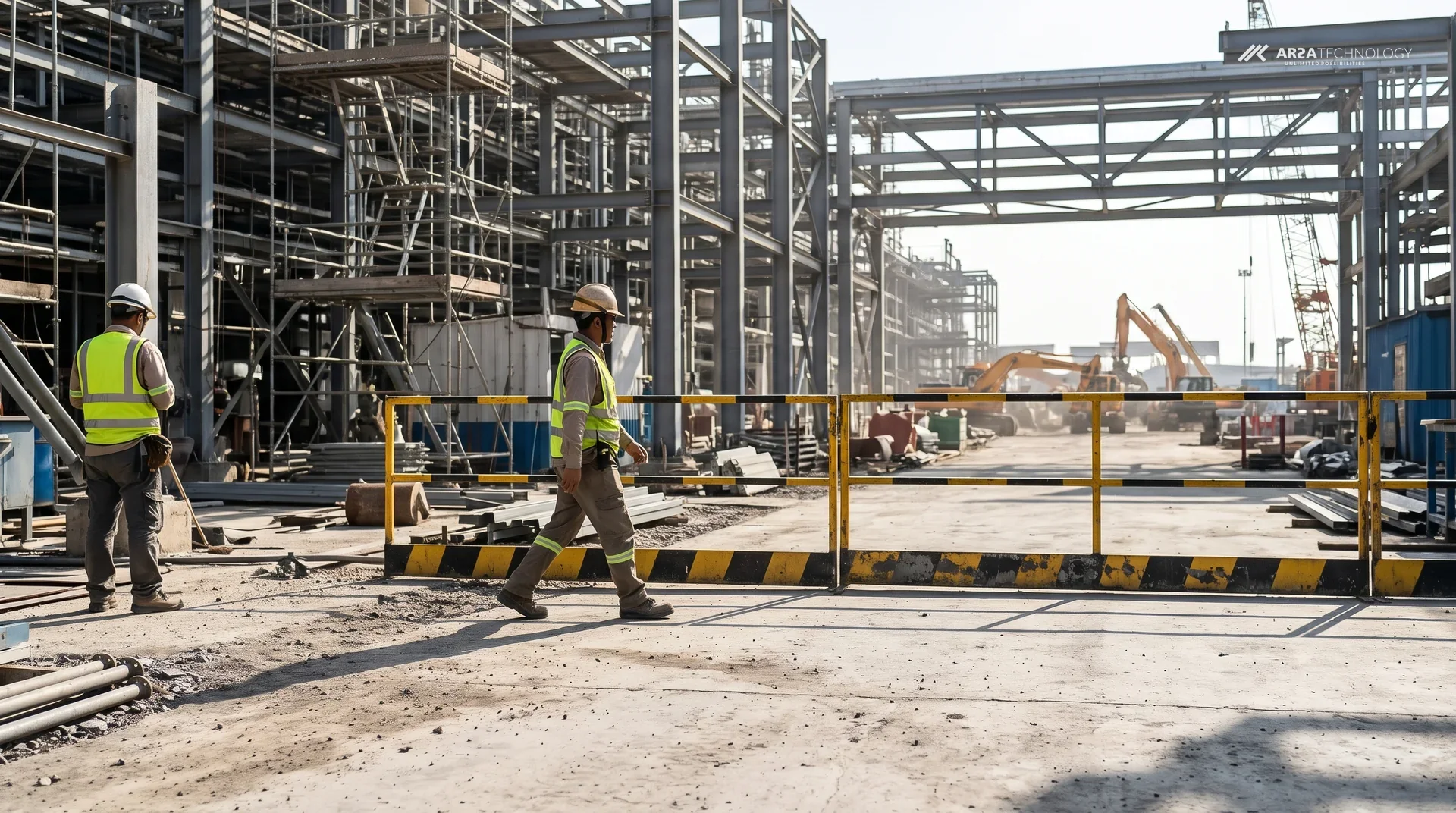

A crane's lift area, the edge of an open excavation and the working radius of an excavator are places where nobody on foot should be while the plant is moving. Basic Safety Guard watches those areas through the cameras a site already has. When a person enters one, it raises an alert and logs the event with the time, the camera, the zone and a snapshot. This piece follows that one decision from the polygon drawn on the camera picture to the alert an operator acknowledges. It also covers what the camera has to deliver and where the system stops.
SEE IT WORKING
Drawing A Hazard Area On A Camera
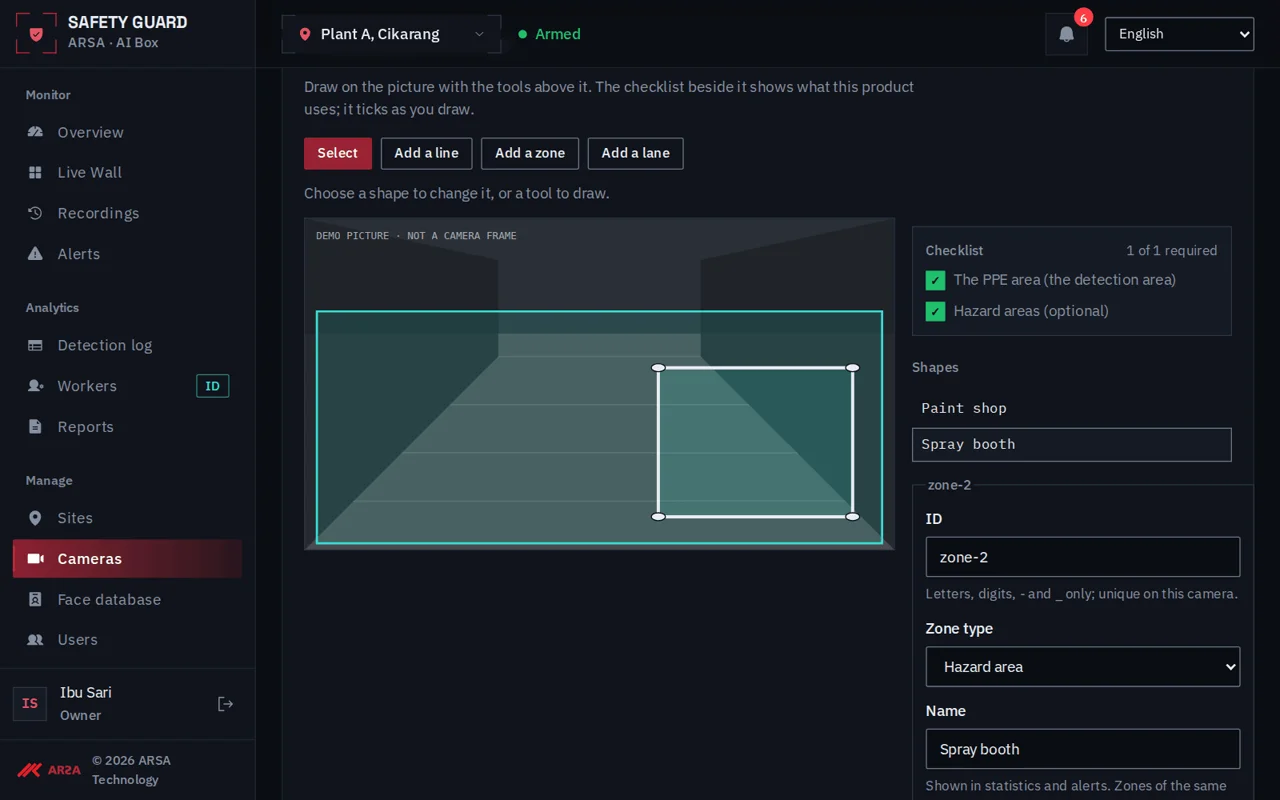
A restricted zone in Safety Guard is an area drawn by hand on one camera's picture. It is marked either no entry or authorised only, and every alert after that is judged against it. The recording below shows the drawing step on a new camera.
Watch the checklist on the right as the clip runs. It ticks off each part of the camera setup as it is done, and the hazard area is drawn as its own shape, separate from the PPE area on the same picture. One camera can carry both: a PPE area where helmets and vests are checked, and a hazard area where any person at all is a problem. Because the zone sits on the camera's own image, it can follow the real edge of the hazard: the barricade line around a lift, the lip of a trench, the painted boundary of a laydown yard.
HOW IT DECIDES
The Order Safety Guard Works In
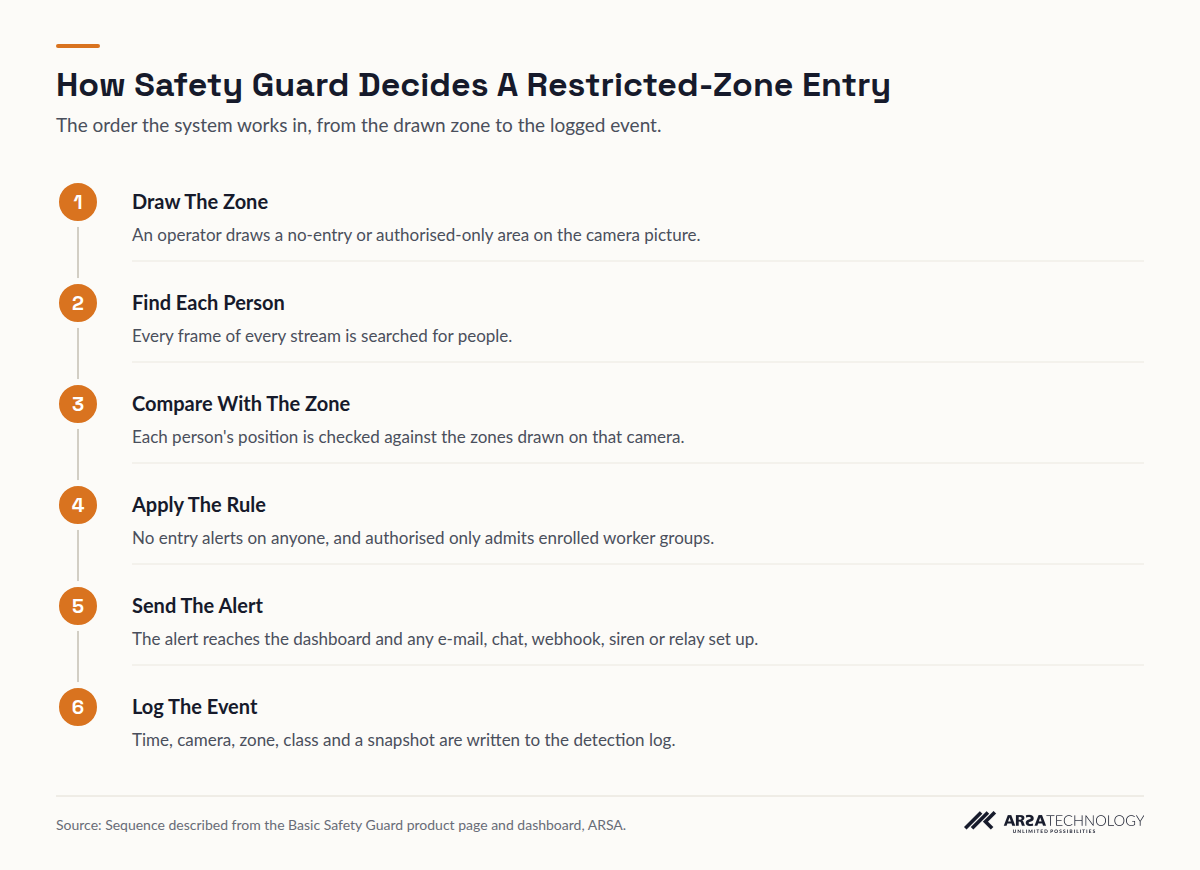
Safety Guard makes the decision in a fixed order. It finds each person in the frame, checks whether that person is inside a zone drawn on that camera, applies the zone's rule, then sends the alert and writes the log entry. Each step is described below with what you can see on screen.
Read As Text
- Draw The Zone An operator draws a no-entry or authorised-only area on the camera picture.
- Find Each Person Every frame of every stream is searched for people.
- Compare With The Zone Each person's position is checked against the zones drawn on that camera.
- Apply The Rule No entry alerts on anyone, and authorised only admits enrolled worker groups.
- Send The Alert The alert reaches the dashboard and any e-mail, chat, webhook, siren or relay set up.
- Log The Event Time, camera, zone, class and a snapshot are written to the detection log.
The first step is finding people. The system looks for human figures in every frame of every connected stream. This is the same person detection that the PPE checks depend on, and its published out of the box result is on ARSA's benchmarks page (see the limits section below). What triggers a hazard-area alert is a person. Equipment, materials and vehicles inside the zone do not cause a person-entry alert on their own.
The second step compares each person's position with the zones drawn on that camera. A person outside every zone is left alone. A person inside a no-entry zone is a breach, whatever they are wearing. A fully kitted worker in a helmet, vest and boots still triggers the alert, because the rule for that area is that nobody should be there.
The third step applies the zone's rule, and there are three kinds of rule to choose from.
No-Entry Areas
The strictest rule. Any person detected inside the zone raises an alert. Use it for the lift area under a suspended load, an open excavation edge, or the ground where a piling rig works.
Authorised-Only Areas
A zone that admits named worker groups, such as a crane crew. It depends on worker face recognition, which is opt-in, off by default, and switched on only with each worker's consent recorded. The face data is encrypted on the box.
People Near Plant
Rules can also flag a person who comes close to a detected vehicle inside a designated zone. This suits a loading point or a shared lane where people and plant have to mix.
The fourth step sends the alert. It goes to the dashboard and, wherever the site sets it up, to e-mail, WhatsApp, Telegram, a webhook, a siren or a relay. The fifth step writes the event to the detection log with its time, camera, zone, detection class and snapshot. That log is the record a safety manager exports.
WHAT THE OPERATOR DOES
From Alert To Acknowledged Record
A hazard-area alert lands in the alerts inbox, where the operator sees it beside missing-PPE alerts with its severity, camera and repeat count. The operator acknowledges it, then opens the evidence in the detection log when the event needs following up.
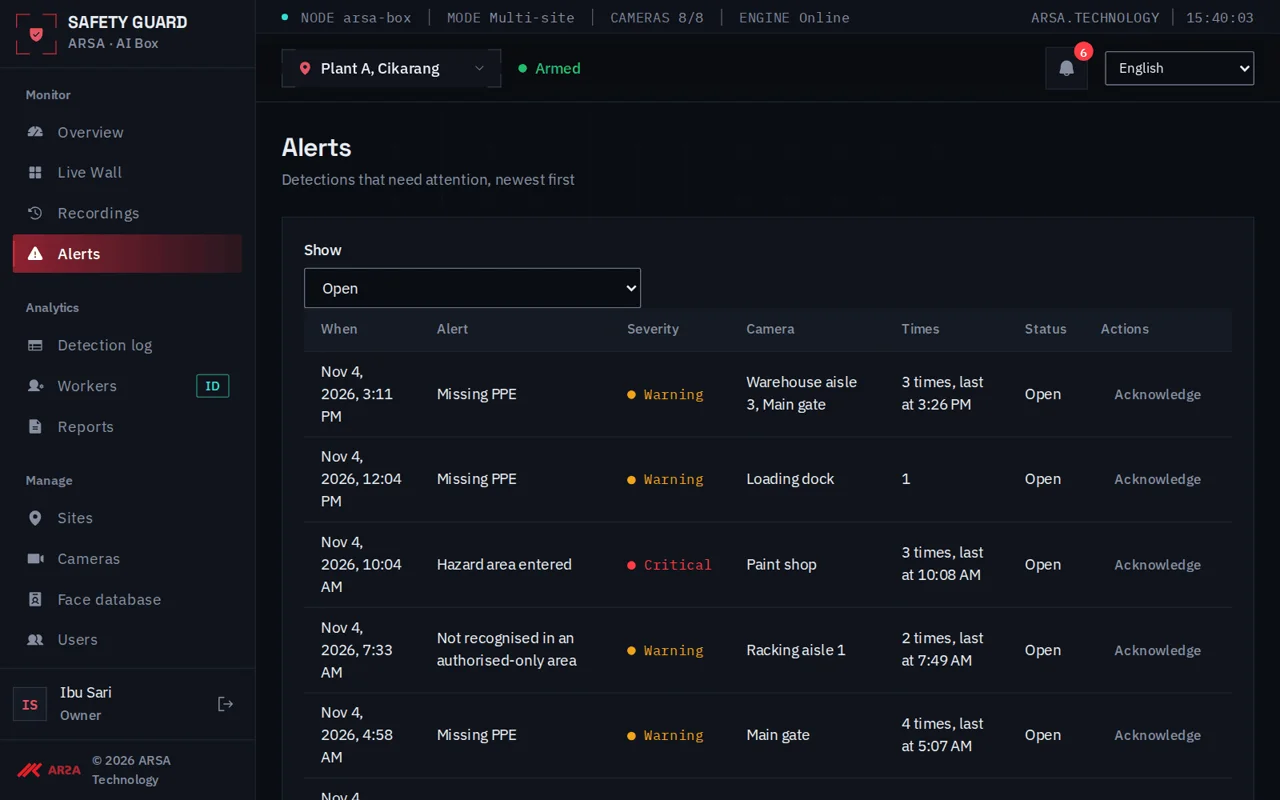
The repeat count matters on a busy site. When one person keeps stepping in and out of a zone, the operator should not face a wall of identical lines. Acknowledging an alert records that someone saw it. That is useful later, when a near miss is investigated and the question is who knew what, and when.
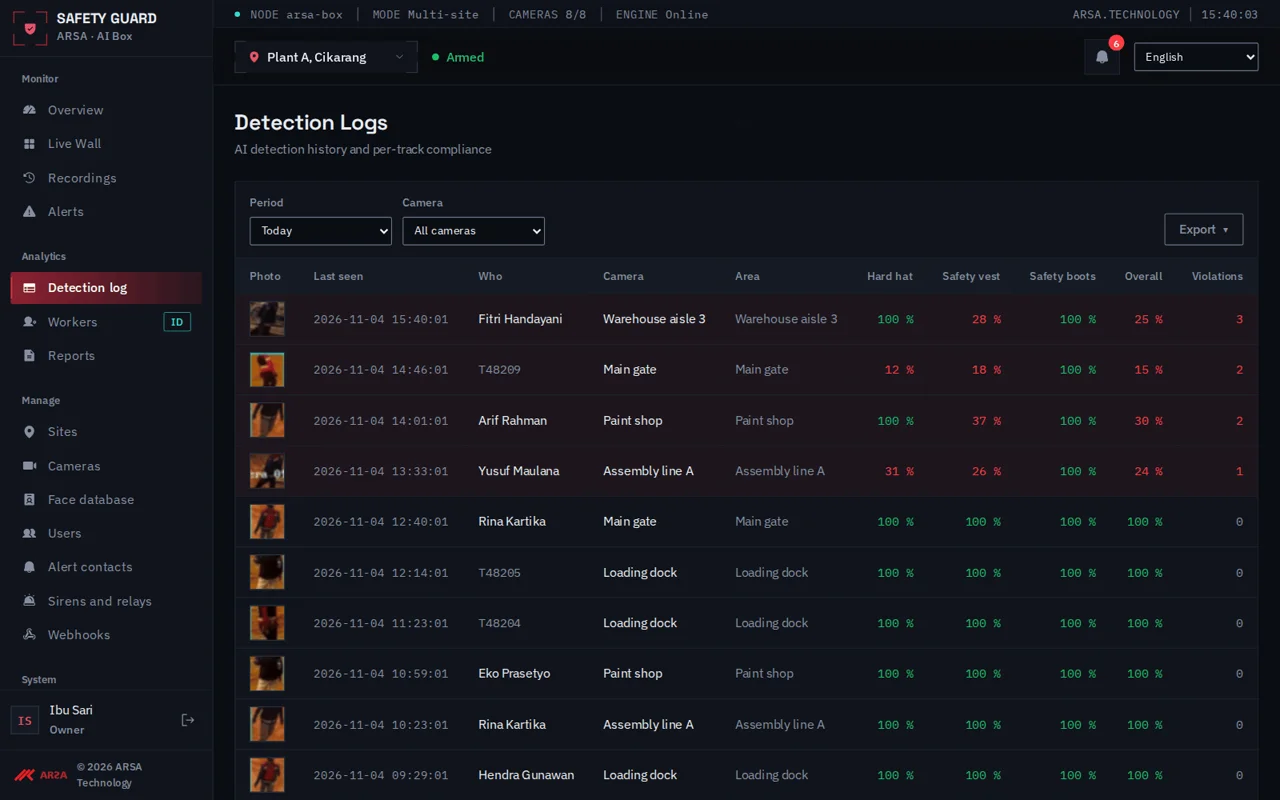
The clip shows the follow-up: the detection log filtered to one camera and an evidence photo opened. In the demo the photo is blurred. Each logged event exports as CSV or Excel, and reports come out as PDF or Excel. A main contractor can map each zone to a subcontractor's work area and read the record by area and by site. Video is recorded on site continuously and kept for 3 days by default, configurable from 1 to 90 days, so the minutes around an event can be reviewed while they are still held.
WHERE IT SITS
Video Adds Detection On Top Of The Controls The Law Already Requires
A camera rule adds detection and evidence on top of the physical exclusion measures that safety law already expects. It does not replace them. Barricades, banksmen and lift plans stay in place, and the camera tells you when someone gets past them.
In the United States, OSHA's crane standard at 29 CFR 1926.1424 requires the employer to barricade the swing radius of a crane's rotating superstructure with control lines, warning lines or railings. The excavation standard at 29 CFR 1926.651 requires workers to be kept away from loads handled by lifting and digging equipment. In the United Kingdom, LOLER 1998 requires every lifting operation to be properly planned, supervised and carried out safely, and HSE's guidance on lifting operations treats keeping people out of the danger zone as part of that plan. Abu Dhabi's OSHAD system and Australia's model WHS Regulations put the same duty on whoever controls the site.
None of those rules is met by a camera alone. What the camera adds is a record of every entry, including the ones nobody reported, and an alert that reaches someone who can act. Alerts arrive within seconds. A siren relay can sound at the zone, but the system does not stop a crane or an excavator, and a lift plan should never assume it will.
SITE REQUIREMENTS
What The Camera Has To Deliver
Restricted-zone intrusion asks less of a camera than PPE checks do, because the system only has to see that a person is there. It does not have to resolve a helmet brim. ARSA's camera standard, ARSA-CVS-001, sets it at 71 pixels per metre (PPM) at the far edge of the zone.
| Requirement | Restricted-Zone Intrusion | Helmet Present Or Absent | Hi-Vis Vest Present Or Absent |
|---|---|---|---|
| Pixel density at the target | 71 PPM | 262 PPM | 153 PPM |
| Reach, 2 MP camera, 60 degree lens | 23.6 m | 6.3 m | 10.9 m |
| Reach, 4 MP camera, 60 degree lens | 31.4 m | 8.4 m | 14.5 m |
| Reach, 8 MP camera, 60 degree lens | 47.1 m | 12.7 m | 21.8 m |
| Optimal tilt below horizontal | 15 to 40 degrees | 10 to 25 degrees | 10 to 25 degrees |
| Maximum tilt | 55 degrees | 35 degrees | 40 degrees |
| Minimum light at the target | 10 lux | 50 lux | 50 lux |
Figures from ARSA-CVS-001 on the camera and site requirements page.
The table explains why one well-placed 2 MP camera can watch an exclusion zone out to 23.6 m when the same camera checks helmets only to 6.3 m. It also shows the most common planning mistake. A camera expected to do both jobs has to meet the stricter figures. A camera tilted at 45 degrees is well inside the limit for a zone, and it is prohibited for PPE. If a gate camera must check helmets and also watch a crane's lift area beyond it, the helmet limits decide where it goes, or a second camera covers the zone. ARSA's lens and field of view visualiser shows the wedge a given lens covers before anyone climbs a ladder.
The rest of the standard applies as written. Cameras need 2 MP and 15 fps at minimum, with 4 MP and 25 fps recommended, streaming over RTSP or ONVIF. Outdoor housings and cabinets should be IP66, with IK08 where they can be struck. Smart codecs and on-camera privacy masks are switched off on the analytic stream, because a mask burned into the image removes any person behind it. The AI Box goes in a temperature-controlled room or enclosure on a UPS with at least 15 minutes of hold-up. On a Gulf project that location is settled in the survey before the box ships. Detection runs on the box and needs no internet connection. Only events travel on to a head-office dashboard, so the video stays on site and in the country.
ARSA delivers outside Indonesia. Where visa conditions prevent ARSA engineers from travelling, a qualified local partner installs under ARSA supervision.
LIMITS
Where It Stops
Safety Guard sees what a fixed camera sees, judged on a flat picture. Most of its limits come from that.
The first limit is the flat picture itself. A zone drawn on the image is an area of the picture, and the camera has no depth map behind it. A person walking behind the zone, between it and the far fence, can overlap the drawn shape on screen. A low camera looking along the ground makes this worse. The 15 to 40 degree tilt in the standard exists partly for this reason: from above, the ground inside the zone separates cleanly from the ground behind it. Draw zones on the ground the hazard occupies, and check them against people walking the boundary during commissioning.
The second limit is what the camera cannot see. A person hidden behind a stack of formwork, a parked machine or the crane's own counterweight is invisible to that camera, and no alert follows. Blind spots are a placement question. Covering the far side of a large plant item usually takes a second camera.
The third limit is darkness. The zone figure is 10 lux at the target. Below that, ask what your night coverage looks like on your own footage before relying on it.
The fourth limit is a site that moves. As the frame rises, cameras move, and a camera mounted higher or further back may drop below 71 PPM at the zone's far edge. Zones are redrawn in the interface without retraining. Each moved camera still needs checking against the standard, because the accuracy commitment attaches only to zones recorded as accepted in the Site Acceptance Record.
The last limit is accuracy figures. ARSA publishes no accuracy figure for restricted-zone intrusion as a task. The nearest published number is person detection out of the box: 0.803 AP50 on the COCO dataset, at 94.2% precision and 57.0% recall at the shipped confidence of 0.5. COCO counts every person, however small or distant, which pulls recall down, and a camera placed to the standard presents people far larger than most COCO crowds do. These are laboratory results from ARSA's benchmarks page. Performance on your site is measured on your site's footage, and nobody should promise you a figure before that.
FAQ
Restricted-Zone Detection Questions
How Far Can One Camera Watch An Exclusion Zone?
A 2 MP camera with a standard 60 degree lens covers restricted-zone intrusion out to 23.6 m, and a 4 MP camera out to 31.4 m. Those distances come from the 71 PPM that ARSA-CVS-001 sets for the task. A narrower lens roughly doubles the reach while halving the width covered, so a long, thin zone such as a haul lane can be watched from further away.
Does The Alert Stop The Crane Or Excavator?
No. Safety Guard raises an alert within seconds and can trigger a siren or relay at the zone, but it does not stop a machine. Physical barricades, a banksman and a lift plan remain the controls that keep people out. The camera tells you when those controls were breached and keeps the evidence.
Can A Crane Crew Work Inside The Zone Without Setting It Off?
Yes, when the zone is set to authorised only and worker face recognition is switched on. That feature is opt-in and off by default. It needs each worker's consent recorded, and it admits the worker groups you set, such as the crane crew. Without it, a no-entry zone alerts on every person, whoever they are.
Does Restricted-Zone Detection Work At Night?
It needs at least 10 lux at the target. That is far less than the 50 lux that helmet and vest checks need, but a dark excavation still needs some light. Check night performance on clips from your own cameras before you rely on it.
What Happens When The Zone Moves As Work Progresses?
The zone is redrawn in the interface, with no retraining. Check the camera again whenever it moves: a camera repositioned higher or further back can fall below the 71 PPM the zone needs at its far edge. The zone counts as accepted only once it has been checked.
Does The Video Leave The Site?
No. Detection runs on the AI Box or server on site and works without an internet connection. Only events, with their time, camera, zone and snapshot, go on to a head-office dashboard, webhook or e-mail.
To see how exclusion zones, PPE checks and gate counts fit together on a working project, read more on AI video analytics for construction sites. If you would like an ARSA engineer to look at how your own cameras see your hazard areas, send a few clips for a free AI assessment.